Introduction
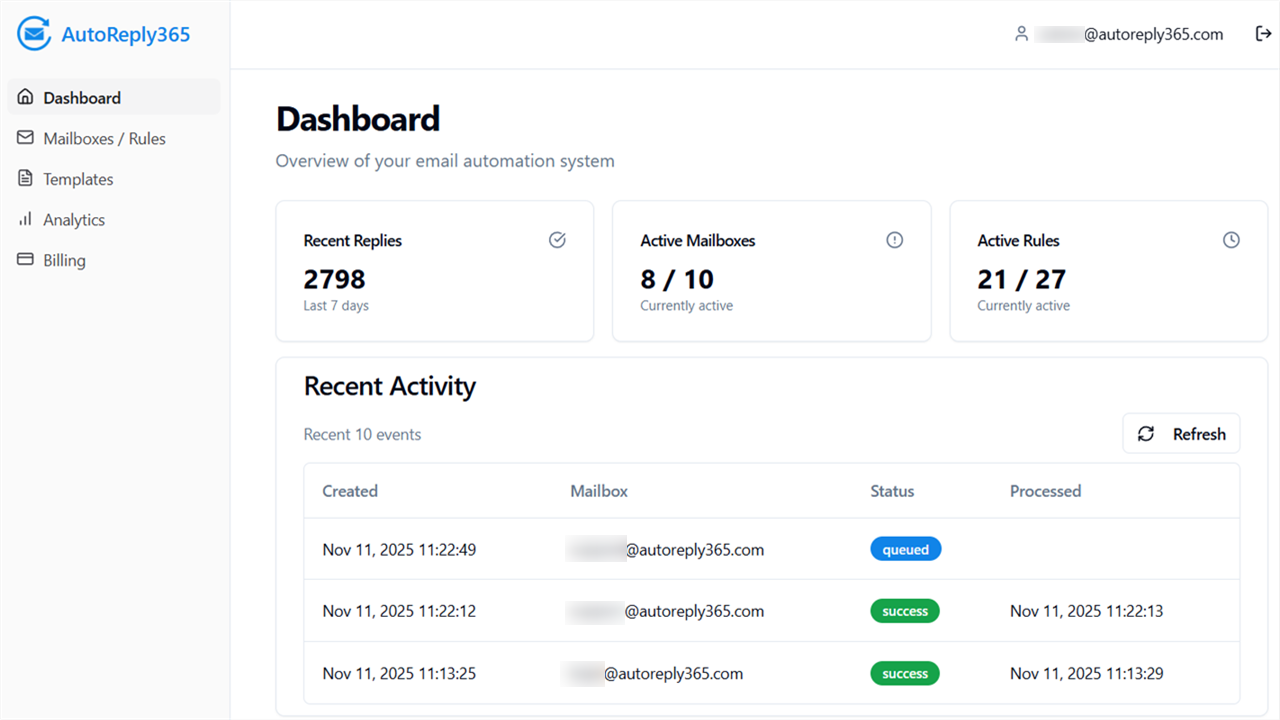
1.1 What is AutoReply365?
AutoReply365 is an application for Microsoft 365 that automatically sends rule-based replies from Exchange Online mailboxes — especially shared mailboxes like:
- support@
- sales@
- jobs@
- info@
It helps organizations ensure that inbound emails are acknowledged instantly and consistently — without relying on Outlook’s built-in out-of-office messages or complex workarounds.
AutoReply365 integrates smoothly with Microsoft 365 using the Microsoft Graph API and sends replies directly from your tenant. No mailbox credentials are stored.
1.2 Why AutoReply365?
Microsoft 365 offers basic automatic replies for individual users, but it does not provide flexible, rule-based automation for shared mailboxes.
Tenant admins typically face these limitations:
❌ Shared mailboxes don’t support advanced conditional replies
❌ Transport rules cannot send contextual replies
❌ Power Automate flows become complex and difficult to maintain
❌ No built-in visibility into automated reply activity
AutoReply365 addresses this by providing:
✅ Rule-based IF/THEN logic
✅ Centralized template management
✅ Multi-mailbox support
✅ Built-in activity tracking
✅ Safe loop-prevention mechanisms
1.3 What Can You Automate?
AutoReply365 can automatically respond based on:
- Subject keywords
- Business hours
- Internal vs external senders
- Specific domains or allow/deny lists
- Custom combinations of conditions
Examples:
- Send a different reply outside business hours
- Send an application confirmation only when the subject contains “application”
- Reply only to external senders
- Forward internal notifications while replying to the sender
Rules are evaluated in order and can be configured to stop processing once a condition is matched.
1.4 Who Is It For?
AutoReply365 is designed for:
- Microsoft 365 Tenant Administrators
- IT Administrators managing Exchange Online
- MSPs managing customer tenants
- Operations teams relying on shared inboxes
It is particularly useful for organizations that rely on centralized mailboxes for customer communication.
1.5 How It Works (High-Level)
- You connect one or more Exchange Online mailboxes.
- You create reusable reply templates.
- You define rules for when replies should be sent.
- AutoReply365 automatically evaluates incoming emails and sends replies accordingly.
All replies are sent through your own Microsoft 365 tenant using Microsoft Graph.
1.6 Key Principles
AutoReply365 is built around:
- Tenant isolation
- Least-privilege access
- No mailbox password storage
- No client-side email processing
- Transparent logging of sent replies